Share Studymaxx, earn as you refer.
Help new buyers save on their first eligible referred order, then track your pending rewards, wallet balance, and payouts in one clear dashboard.
Trackable referral links
Rewards in your wallet
Transparent UPI payouts
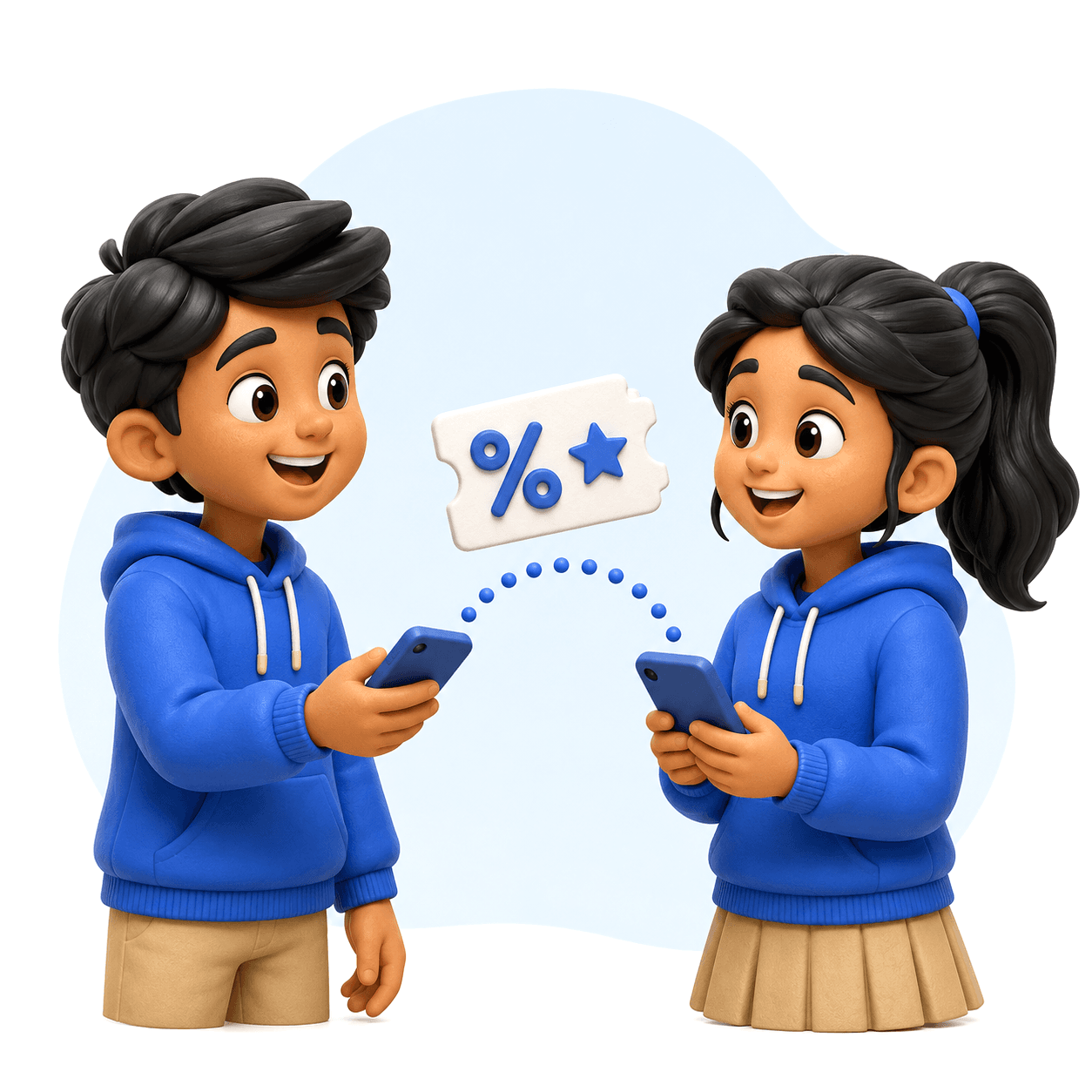
A clear path from sharing to referral rewards.
Four simple steps from sharing your link to withdrawing your rewards.
Step 01
Set up your referral link in minutes
Open Referrals and generate your code so every eligible order can be tracked back to your account.
Step 02
Share it with learners and parents
Send the link or code to new buyers looking for Studymaxx books, bundles, and exam support.
Step 03
Buyer completes an eligible order
When referral checks pass and no coupon is used, the buyer gets 10% off their first referred purchase.
Step 04
Track rewards until payout
Your 7% reward starts as pending, becomes available 7 days after delivery, and can be withdrawn once you cross Rs 500.
Why share Studymaxx?

Share your link anywhere
Send your code or link to new buyers — class groups, WhatsApp, wherever they are.

Friends save on their first order
Referred buyers get 10% off their first eligible referred order.
Earn straight to your wallet
Every eligible referred order credits 7% of its item subtotal to your wallet.

Rewards mature in 7 days
Pending rewards become withdrawable once the delivery return window closes.

Genuine rewards, protected
Verified orders only — no self-referrals, and automatic reversals on failed orders.

Help when you need it
Our team is a message away for anything about referrals, rewards, or payouts.
Have more questions?
Sharing Studymaxx and earning rewards is meant to be simple. Here's everything you need to know before you start.
Can't find answers?
We're here to help whenever you need it. Reach out to our team for anything about referrals, rewards, or payouts.
Contact usAnyone with a Studymaxx account can open Referrals, generate a code, and start sharing it with new buyers.
Ready to share your referral link?
Create an account or sign in, open Referrals, and start sharing your code with buyers eligible for the first-order benefit.
By participating you agree to the Referral & Affiliate Program Terms.